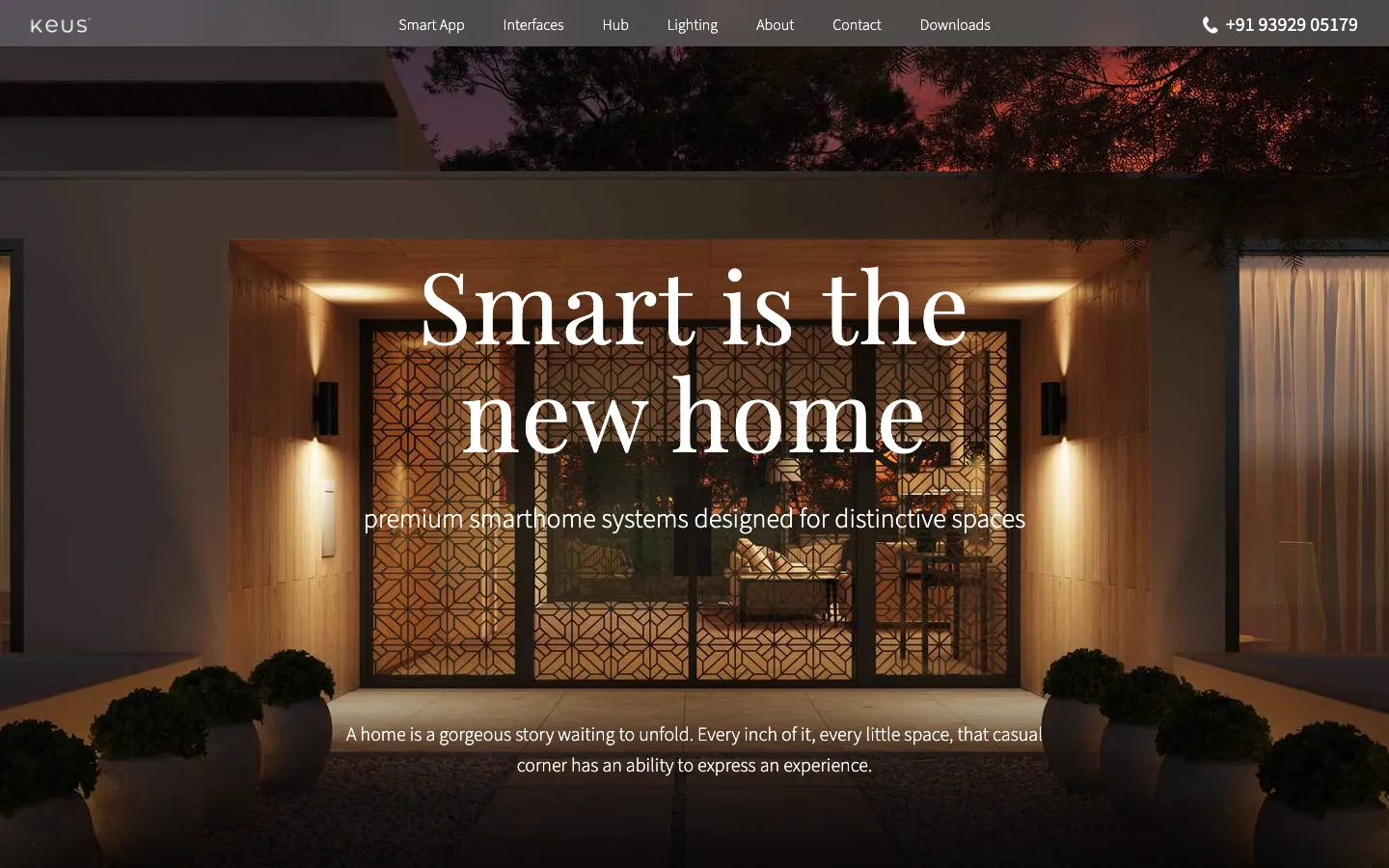
Keus makes smart home systems. Not the hobbyist kind — the kind that goes into luxury residences, where a single console controls every light, curtain, climate zone and media device in the house. Founded in 2017 by the team behind Beam Fiber (India's 4th largest broadband company), they've deployed in over 1,500 premium homes across India and position themselves as the country's fastest-growing smart home company in the premium residential segment.
The brief was to build a site that showcased Keus's product ecosystem through scroll-driven animations — the kind of experience where you scroll and the product comes alive in front of you. Video sequences, smooth transitions, layered reveals. Every section a choreographed moment.
It sounded straightforward. It wasn't.
The design that didn't fit
The initial designs came from a designer who was thinking in fullscreen. Every comp assumed a big display — a TV-sized viewport, edge to edge, no browser chrome. The animations were cinematic. The layouts were immersive. On a 27-inch monitor in a presentation deck, they looked incredible.
The problem: you can't dictate how someone opens their browser. Most of your visitors are on a laptop with a toolbar, a bookmarks bar, and DevTools docked to the side. Plenty are on a phone. The fullscreen fantasy doesn't survive contact with real viewports.
So we went back. The team at Able.do worked directly with Keus's in-house design team to rethink the approach. Not to water down the vision, but to make it work in a browser — at any size, on any device. That meant working through layouts and scroll sequences together, breakpoint by breakpoint, rather than trading files and waiting a day for each answer.
The product ecosystem — each page its own scroll story
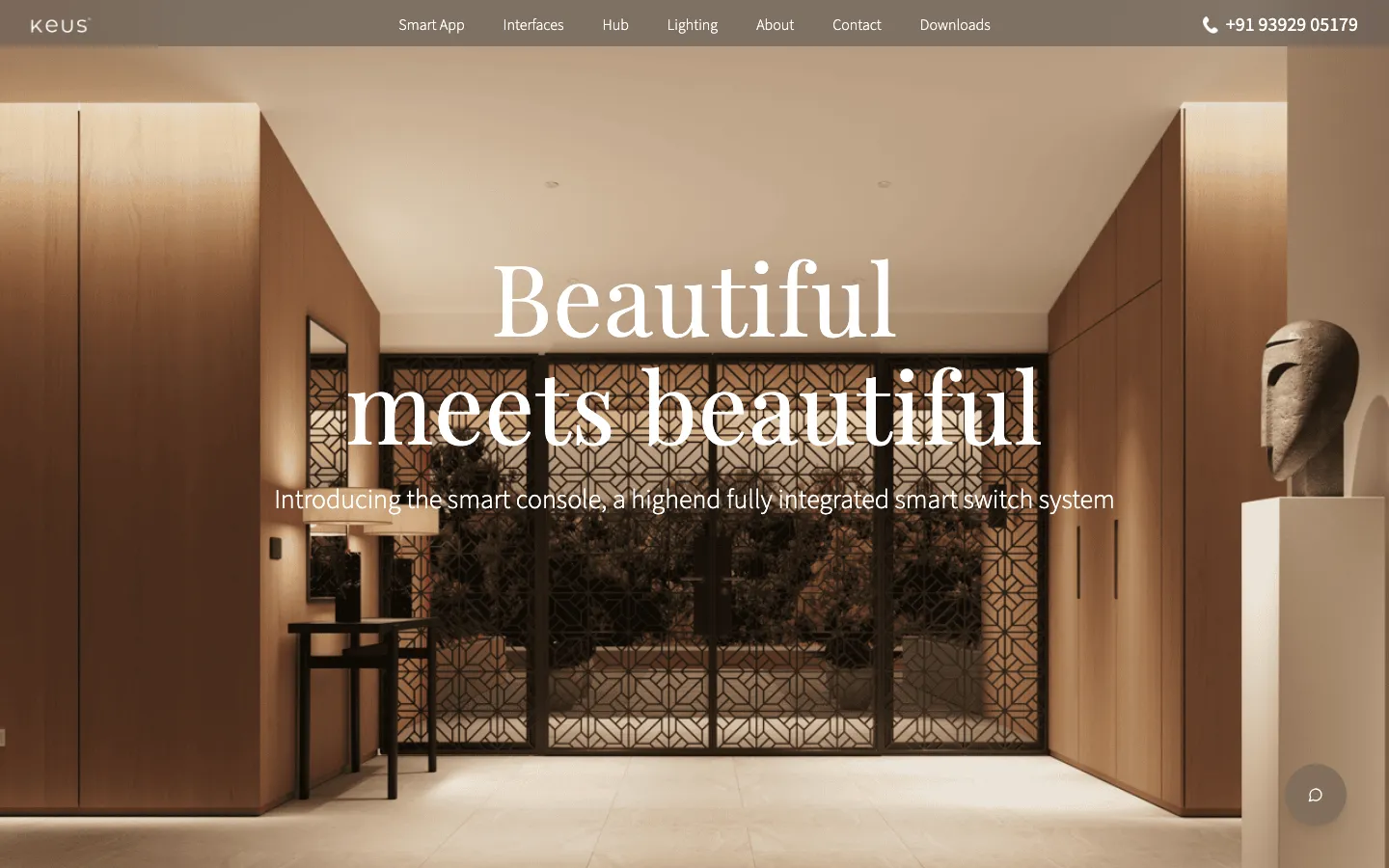
Smart Console — fully integrated switch system
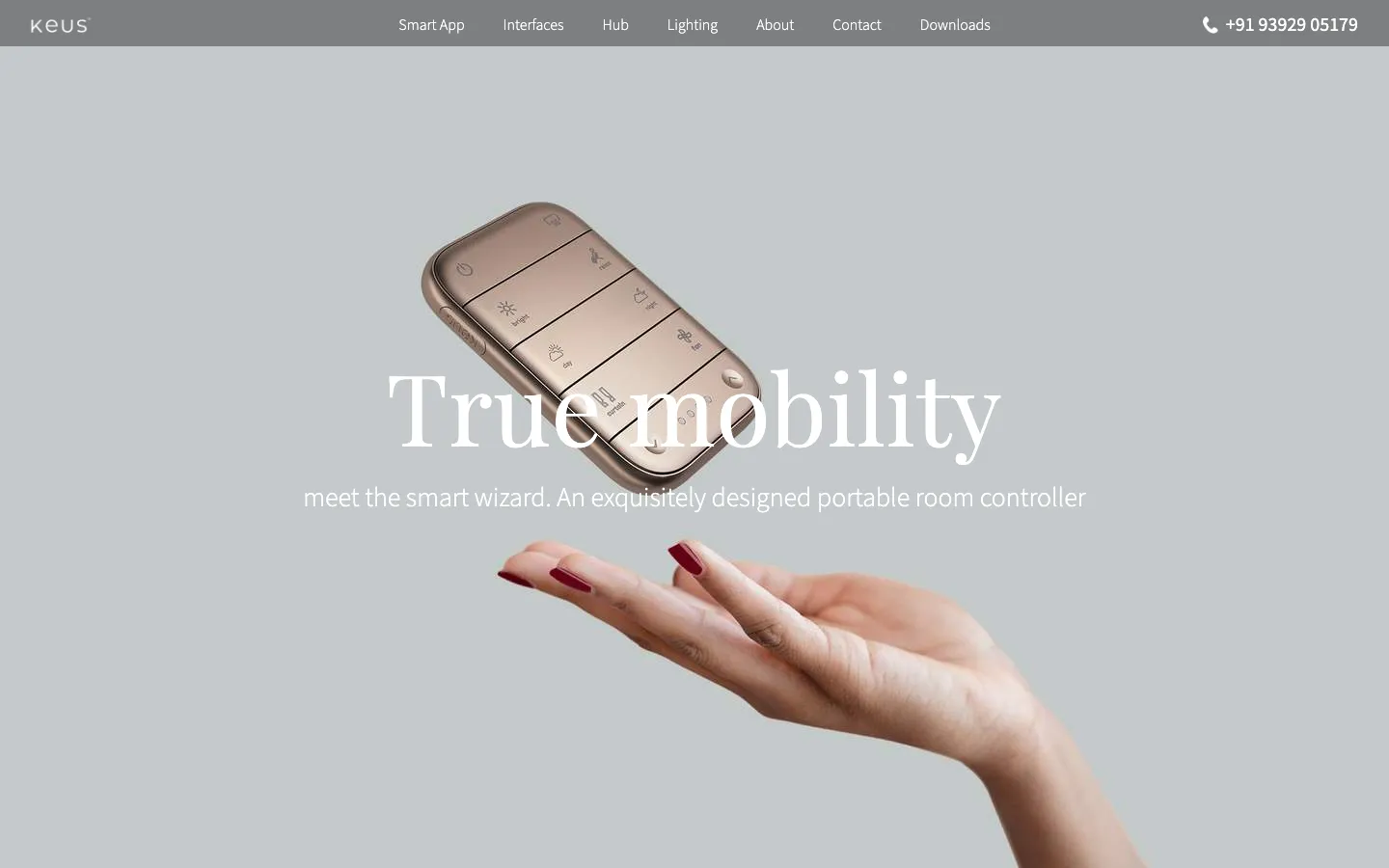
Scene Wizard — portable room controller
The first approach: image scrubbing
The plan was clean on paper. Take each product video, extract it into individual frames, and scrub through them on scroll. As the user scrolls down, the images advance frame by frame — like a flipbook tied to the scroll position. It's a technique you see on high-end product sites. Apple uses it. It feels premium. We built a proof of concept and it worked beautifully.
Then we looked at the numbers.
The Math
Why image scrubbing didn't scale.
The videos Keus provided were high quality — product animations showing consoles transforming, lights shifting, curtains drawing. Beautiful footage. But when you extract those to individual frames for scroll scrubbing, each video produces hundreds of images — the longest clip we were given ran a minute, which at 24 fps is 1,440 frames on its own. And each page had around ten of these scroll-driven sections.
Do the maths: thousands of images on a single page. Even aggressively compressed, that's a page weight in the hundreds of megabytes — over a gigabyte at retina sizes. Loading frames per section helps, but nothing makes that work on a mid-range phone. The POC looked great on a developer's MacBook Pro. It would have melted any real user's device.
The approach had to change.
Back to the board: video pause and play
We rethought the interaction model. Instead of scrubbing through thousands of static frames, we'd use the actual videos — but controlled by scroll position.
Here's how it works: you scroll, the video plays for a couple of seconds, then pauses. You scroll again, it continues. When that section's video finishes, the next section begins. The scroll controls the pacing, but the browser plays real video — hardware-decoded, compressed, streamed. No thousands of images sitting in memory.
The Pivot
Image scrubbing vs. video pause-and-play.
The trade-off was smoothness. Image scrubbing gives you frame-perfect control — the animation is locked to the scroll position at every pixel. Video pause-and-play is slightly less precise — there's a brief play duration after each scroll, and the video's framerate is the video's framerate, not your scroll speed.
But it was worth it. The site actually loads. It runs on real devices. And honestly, the slight momentum of the video playback gives the scroll a more cinematic feel than frame-perfect scrubbing does. Sometimes the compromise turns out to be the better design decision.
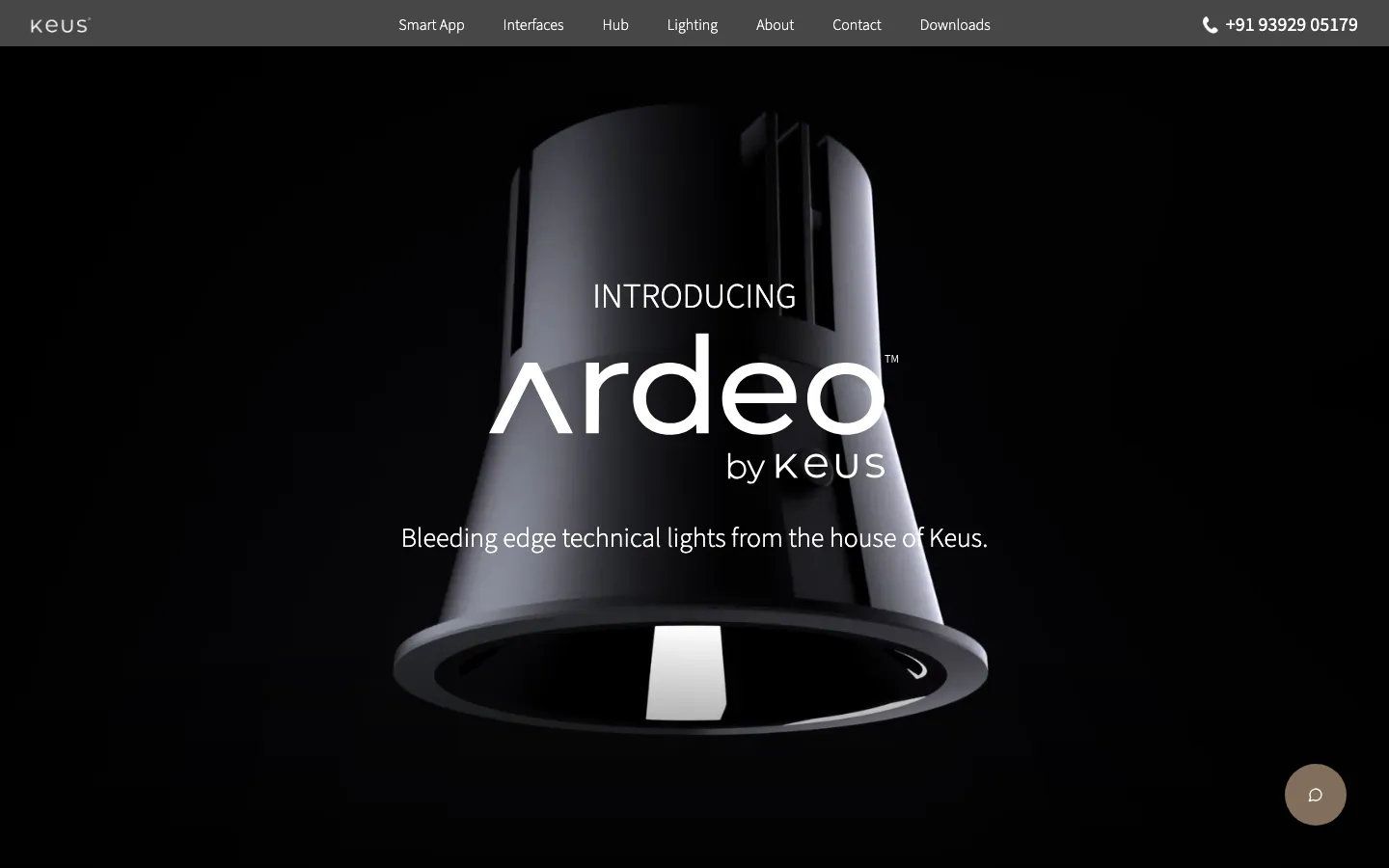
Ardeo by Keus — each product line gets its own page with a bespoke scroll sequence. The lighting page alone has multiple video-driven reveals.
The stack: SvelteKit and GSAP
We built the site on SvelteKit, deployed on Cloudflare, with GSAP (GreenSock) and ScrollTrigger for the scroll-driven animation layer and Lenis for smooth scrolling.
Each section has its own GSAP timeline. When a section's tween completes, it plays the video and pauses it again after the remaining length of the clip; scrolling back into a section rewinds its video to the start. The videos are muted H.264 MP4s. Desktop sources are only attached on screens 768px and wider, and phones get their own cuts, so a phone never downloads the desktop footage.
Every product page on the Keus site tells a different story — the Smart Console, the Scene Wizard, the Hub, the lighting system — and each one has its own scroll sequence, its own videos, its own rhythm. The animation system had to be flexible enough to support wildly different page structures while keeping the interaction model consistent: scroll, play, pause, scroll, continue.
The weight of beauty
A scroll-driven video site is never going to score 100 on Lighthouse. That's a trade-off you accept when the brief is "make the product feel cinematic." But understanding where the weight comes from — and which parts are intentional vs. which are solvable — matters.
A 96 on Performance for a video-heavy, scroll-animated site is not where most projects like this land. FCP is 0.8 seconds and LCP 1.1, because the hero paints a poster frame before any video arrives. Total Blocking Time is 20 ms and CLS is 0.003. JavaScript execution takes 0.4 seconds, and the DOM is 447 elements despite the visual density of the page. A cold first run scored 80, so the number depends on what is already cached.
Most of the weight is media: 5.8 MB of video and 4.3 MB of images out of 11.9 MB. Of the 1.8 MB of script, only 67 KB is the site's own; the rest is tag manager, a chat widget and ad pixels. That is the part I would cut next. The application layer itself stays light: small DOM, short JS execution, almost no main-thread blocking. GSAP does its work without getting in the browser's way. The weight is intentional — it's the cost of the cinematic experience the brief demanded — and the video pause-and-play approach is what keeps it manageable instead of catastrophic.
One conversation, not a handoff
The Keus project wasn't just a technical challenge — it was a collaboration challenge. The client had an in-house design team with strong opinions. We had years of web design experience and strong opinions of our own. Making those two sets of opinions work together meant long sessions, deep reviews, and the kind of honest back-and-forth that only happens when both sides actually care about the outcome.
The best decisions came out of working through the detail together instead of trading files. Does this transition feel right? Is this scroll section too long? Does the video need trimming, or does the trigger point need to move? Those are quick questions to settle in a shared review and expensive ones to settle over a week of comments.
That kind of collaboration — where the designer, the client, and the developer are all in the same conversation — produces better work than any handoff ever could.
What I'd improve next
- Lazy video streaming — only buffer the section the user is approaching, not the entire page's video set. The single biggest performance win available.
- Modern image formats — 2.3 MB of savings sitting on the table by converting to WebP/AVIF.
- Reduced-motion alternative — a static version for users who prefer less animation, with key frames shown as images instead.
- Better mobile scroll handling — touch scroll on phones has different momentum curves than trackpad/mouse wheel; the pause timing could adapt.
- Video codec upgrade — AV1 behind an H.264 fallback (multiple
<source>elements) could cut file sizes by 30–50% at the same visual quality; Safari's AV1 support is hardware-gated, so the fallback is not optional. - Accessibility pass — contrast ratios, keyboard navigation through scroll sections, and screen reader support for the video-driven content.
Next up
5 min · 2025–26
Building (and Rebuilding) for Godrej Foundation
Case Study · Godrej